Friday, September 19, 2014

How to Make a Star Wars Lightsaber in Photoshop

In today's article we'll have a look at how one can create awesome effects in Photoshop and add a lightsaber (like the one in Star Wars) to their photo. This isn't our own tutorial, but rather a collection of awesome articles and YouTube videos that have already explained this in great detail (no need to reinvent the wheel)! Oh, and if you are by any chance a fan of this franchise, we have an awesome Star Wars 7 blog set up where you can follow news, leaks and rumors about the upcoming movie!

YouTube Videos on How to Make a Lightsaber Effect in PhotoShop

First off, I recommend the excelent video from Howard Pinsky who runs a great series on YouTube called #MinutePhotoshop that provides excelent and relevant advice on how to use Photoshop to create awesome visual effects. Here's his quick video tutorial:


Now if you need something more in-depth then I'd recommend having a look at this video from howtechgraphics which is really good and informative. It runs for a bit more than 3 minuets and provides very clear instructions. Granted, the voice is rather anoying and a bit "robotic" - but they are providing high quality, FREE content so there is really no room for complaints.


But, let's say you are working in another Adobe software - such as Premier Pro for editing video. How can you create a lightsaber effect like the ones seen in Star Wars? Well, it turns out that it's simple and the main concept is very similar to the one use in Photoshop and blur is obviously the word of the day. This tutorial should be enough to get you started:


Articles on How to Make Star Wars Lightsabers in Photoshop

If videos aren't really your thing, then perhaps an article is something that you need. There literally hundreds of them online because this topic is so popular. So, here are some that we'd like to recommend because they provide high quality advice and they are easy to follow along:
  • Instructable has a sweet and short article on the topic.
  • Practical Photoshop Mag also has a very good tutorial that is based on the pen tool + blur combo - a classic when it comes to creating this sort of effect.
  •  Even the popular Star Wars fansite "The Force" has a really good tutorial on this subject that goes in-depth to talk about lightsabers in general!

Sunday, October 14, 2012

Sony Xperia T Camera Samples

 I found a very nice article a couple a days ago on the Sony Xperia T Camera and I must admit I was rather impressed with the results. The 13 MP camera makes this phone a real digital camera with Exmor R sensor camera technology. The camera has a f/2.4 aperture and is able to produce mind-blowing still shots. I didn't really like the quality of the photos in low light conditions and the video quality could be better, but overall I was quite impressed.

 Here are some samples (click to enlarge) before we get into the specs:


Wednesday, March 21, 2012

5 Fantastic Photo manipulation Tutorial From deviantArt

 We talked about photo manipulation quite a bit here on Tuts4PS and it has to be said that after each article we make about this form of art, we end up discovering more, and more amazing work and it really makes us wonder just how deep this rabbits hole we are falling inside off?
 Out goal today is to help you guys and girls who have either of these problems:

  • Are you having an artist's block and inspiration?
  • Do you lack knowledge of Photo manipulation?
  • Need to improve you skills?
 Well, you can always check out our 10 inspiration photo manipulations that will really give you some general ideas and inspire you to make something amazing yourself. 
 However, for those who are looking for tutorials we also made this post with links to 5 fantastic photo manipulation tutorials that will really get things going for you! We really mean it!


A really nice tutorial, one of the best concepts for a tutorial we have ever seen! It works like an Adobe Flash gallery that really looks good. There are lot of tips and tricks and you will learn how to make your own amazing planets. How cool is that?!

Tuesday, March 20, 2012

Amazing Texture Pack!

 Textures are widely used by digital artists for many different purposes. Web designers and those like making photo manipulations are always looking for some fresh textures for their new project. Textures are not hard to find online, but most end up costing money and for those who are doing this for the love of art and not trying to make money with their design (yet) will appreciate having some free, great looking textures for different designs.
 Here they are!

A wonderful texture pack to get those special Bokeh and other
cool lighting effects.

Monday, March 19, 2012

5 Great Examples Of Typography In Web Design

Typography is a really important part of any design, be it web design, logo design or just digital art and pure typography artwork. Either way, we use typography to tell something to the views, directly or through metaphoric meaning. Sometimes we use it to get people's attention with big, bold headlines.

 Here 5 amazing examples of typography in web design that will blow your mind away!

1. Austrian Cider
Thanks to the textured background image and the bold dirty letters this website has achieved a 
great looking vintage feel that is really attractive!

This little agency from Novi Sad, Serbia has really made a good looking design!

Tuesday, March 15, 2011

Great text effects you must know to make!

 One of the aspects of a good design is the way you make the text. Sometimes plainer solutions are better, other times you need to really make your text stand out. We made a list of nice little free tutorials you should inform yourself about. The end results are very good. So have a look at the link bellow!


10 Inspirational photo manipulations you must see!

  Have you ever found yourself staring at a stock image for hours, thinking what you could do with it, yet every idea somehow doesn’t seem to fit in place the way you want? It’s an old story for any artists, creativity blocks are very common. But it’s interesting how a brain works, for you see, sometimes the best thing you can do is to do nothing! Allow time for ideas to incubate in you subconscious, give it time. It’s also a good idea to see what other people are doing, what motivates them and find something that truly inspires you, not only as an artists, but as a viewer who is blown away by what the piece of art has to say. The art of photo manipulation is an ever evolving chain, that links the best of photography and graphic design together. The general idea is to create something surreal, that will look as if it’s real. Usually, you would also want to display some sort of a message or story that the viewers can relate to, but other times we are just stunned when we see an amazing image before us and that alone is enough to make a certain photo manipulation a great one.
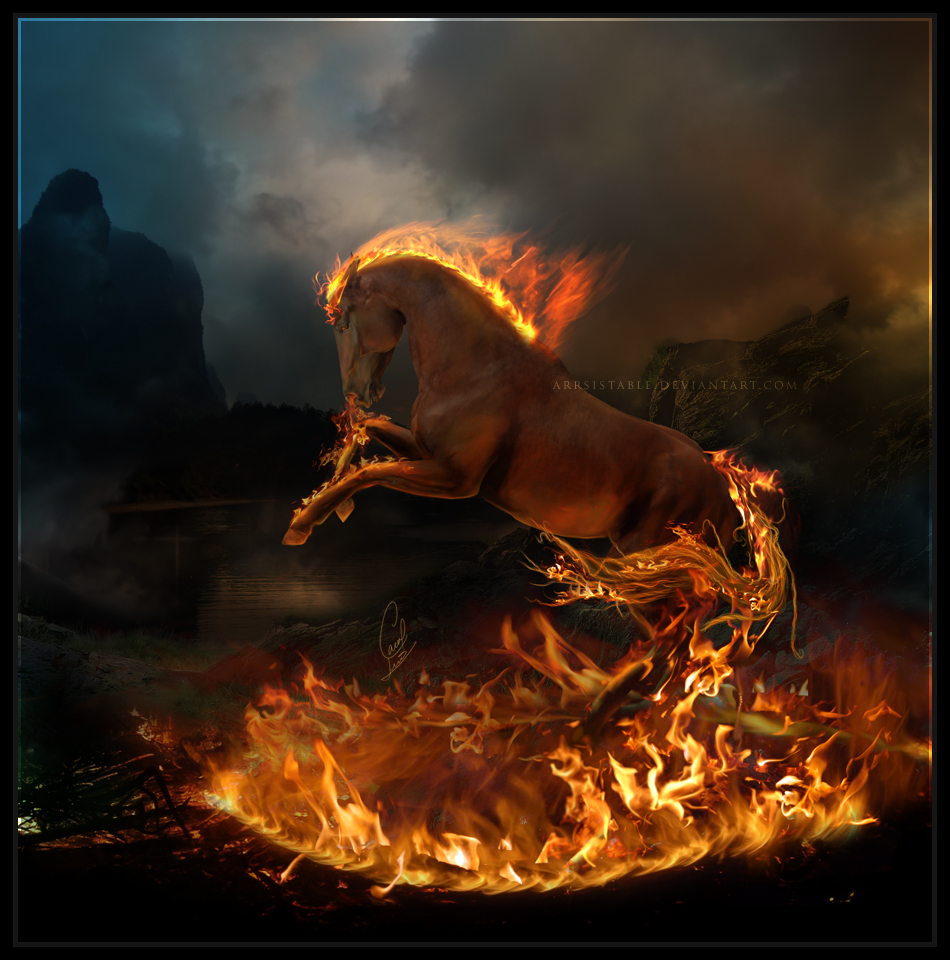
 Before you is a compilation of 10 inspiring photo manipulations for you to examine and be inspired by.

1. The Fire Lord